How to Play The Choicer Voicer in Your Browser
Open the free web version in a browser on a phone or computer. There is no APK or app store page. Allow the microphone, finish the tutorial, then pick a mode.
Current for Free Browser Edition v0.6.3.
On a phone or a computer, open the web version in a browser. There is no APK or app store page. Allow the microphone and stay with the tutorial until the second round.
The first minute
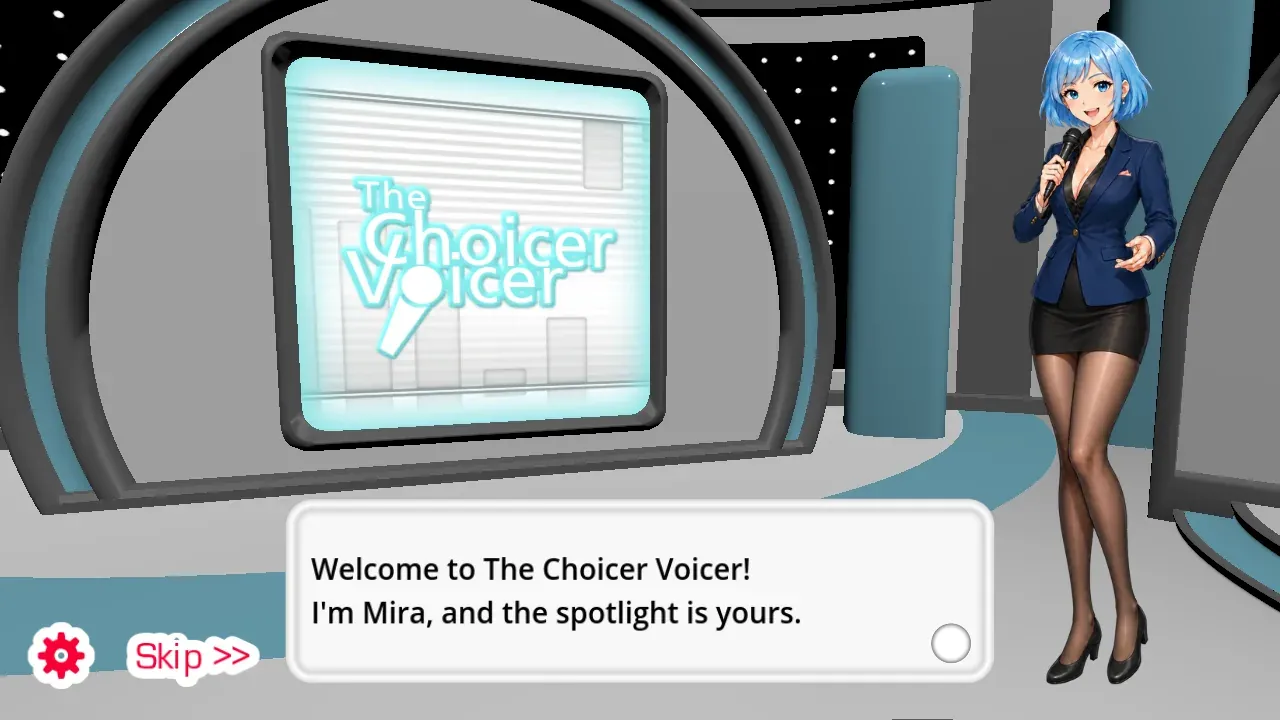
- Open the game on the homepage or in full screen.
- Choose Allow when the browser asks for the microphone.
- Listen to Mira. She is the host and does not record over you.
- Speak when the tutorial prompt finishes.
- Retry a weak line instead of restarting.
- Continue into the second tutorial round before leaving.
Headphones keep the prompt out of your recording. If the waveform never moves, use Microphone Help before picking a longer mode.
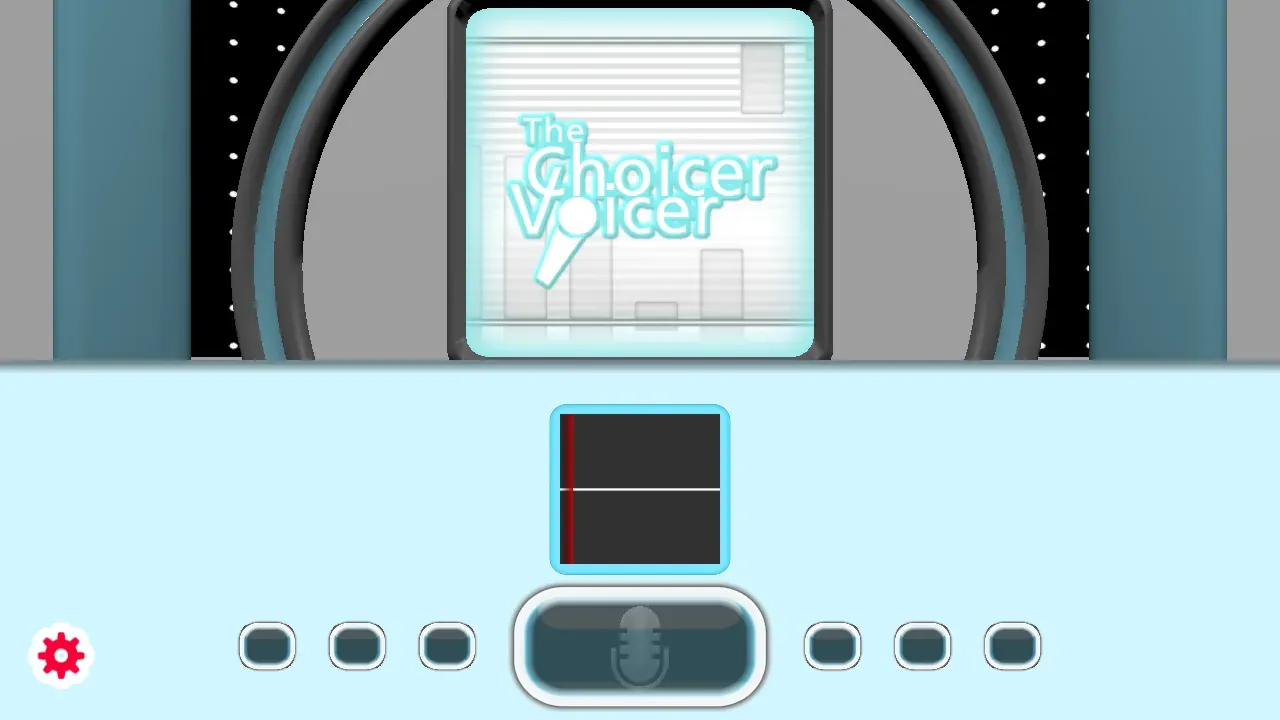
Pick a mode after the tutorial
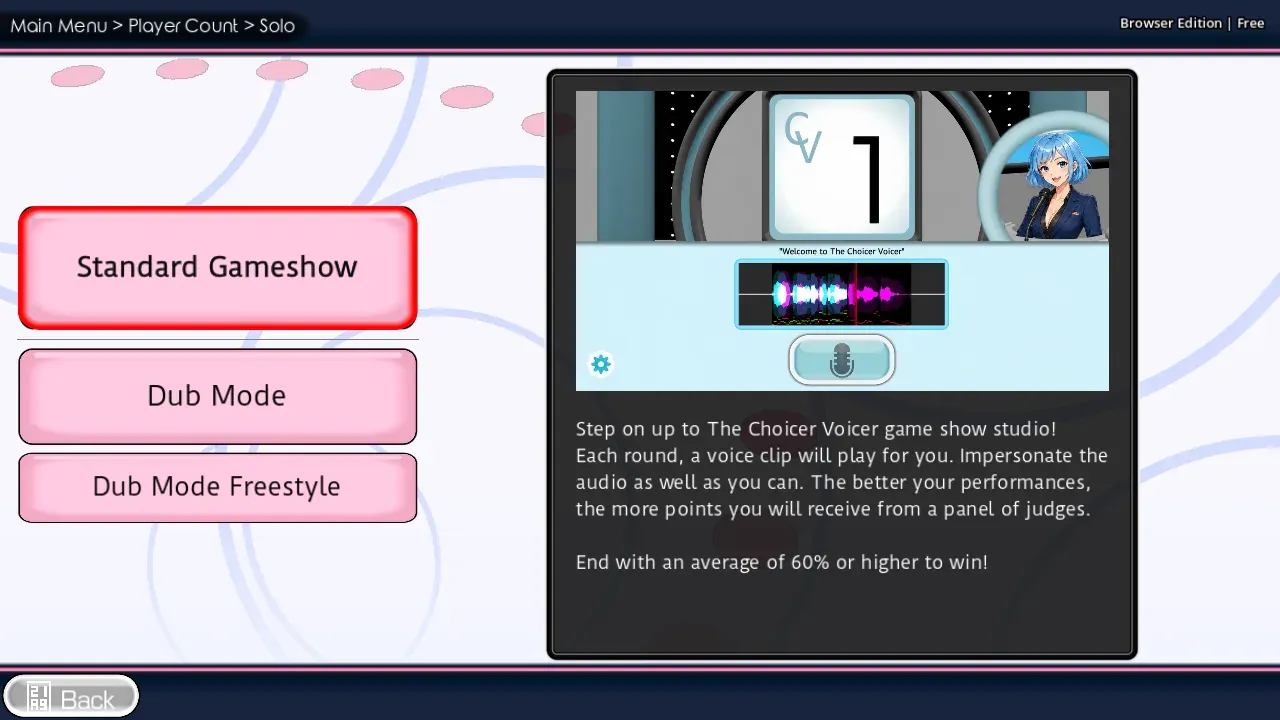
| Mode | What you do | Why start here |
|---|---|---|
| Standard | Imitate a prompt while judges react | Short rounds and a clear score path |
| Dub | Hear each line, then record your take | Best for a scene you want to finish |
| Freestyle | Repeat one clip until you like a take | Good when you want many tries on one line |
| Group | Pass one microphone around one browser | Use only when people share the same screen |
Solo and Group are the first fork. Group does not create an online lobby. For the line-by-line buttons, open Dub Mode. For judge rounds, open Standard Mode. For one clip on a loop, open Freestyle.
After you know the buttons
Custom audio loads from Custom when the browser shows a file picker. Use clips you created or have permission to use. Recordings stay in this browser; they are not uploaded to an account.
Nothing here asks for a name, a store, or an installer. When a take is worth keeping, save it before you close the tab.
FAQ
Does the web version need a login?
No. The game starts after the browser is allowed to hear you.
Can I skip the tutorial?
You can leave early, but the second tutorial round is the fastest way to learn retry and playback.
Can I play on a phone?
Yes. Open the web version in the phone’s browser. There is no APK or app store listing. For a group around one screen, use Shared Play.
The complete game is free to play on The Choicer Voicer homepage . There is no installer.