Freestyle: Repeat One Clip Until the Take Works
Loop a single prompt, record as many takes as you want, then save and replay the version you want to keep in the browser game.
Current for Free Browser Edition v0.6.3.
Freestyle keeps one clip on a loop in the browser game. The same prompt comes back until you save a take or leave. Use it when you want practice, not a full scene.
One clip, many takes
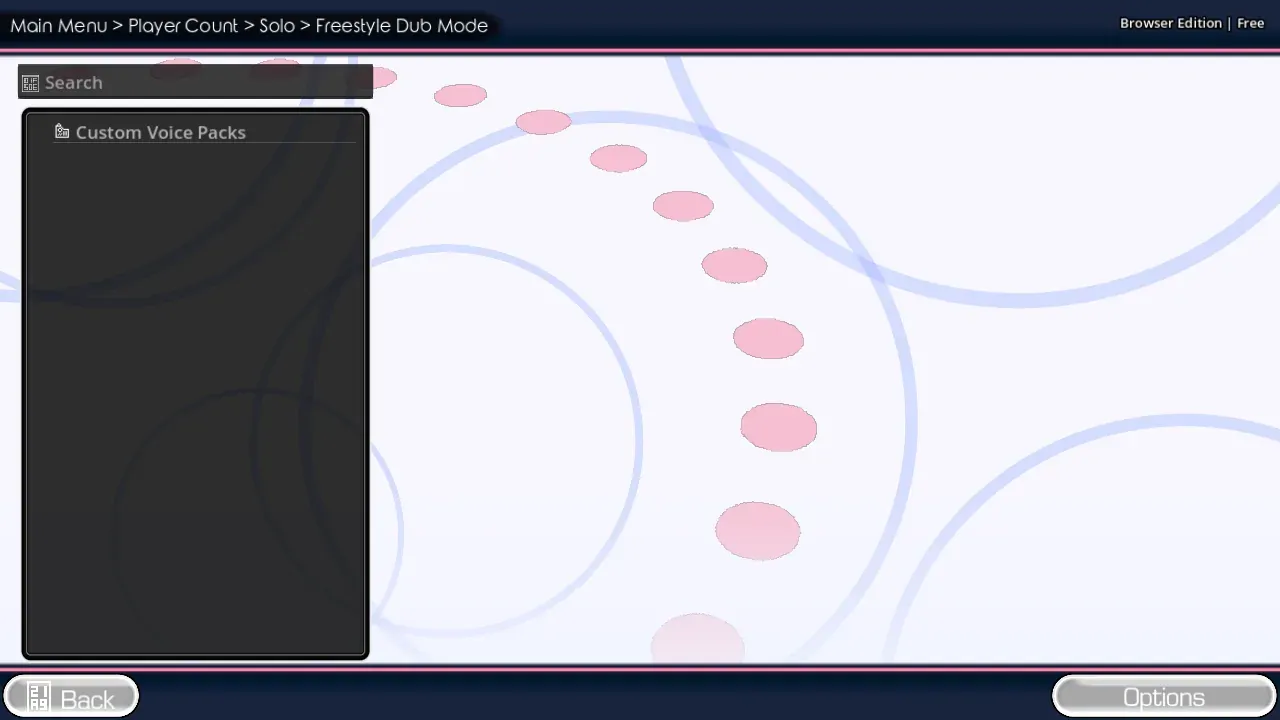
- Choose Freestyle from the mode list.
- Select or accept the clip you will repeat.
- Listen once, then record.
- Let the same prompt return.
- Change the voice, the timing, or the words on the next pass.
- Save when a take is worth keeping.
The loop is the point. You are not missing a hidden second clip. If you want a whole scene instead, switch to Dub Mode.
Save and replay
A finished Freestyle clip unlocks replay and save. Save before you close the browser. Playback stays on this device; the site does not keep a public recording library.
If replay or save stays locked, wait until the clip actually ends. A take that is cut off early will not hand those controls over.
When to switch modes
| You want | Use | Why |
|---|---|---|
| Many tries on one line | Freestyle | The prompt repeats on purpose |
| A scored imitation | Standard Mode | Judges give a round result |
| A full scene | Dub Mode | Each line advances the clip |
| Friends in one room | Shared Play | One browser, one microphone |
Freestyle is a normal mode in the browser edition. It is not a leftover test screen.
FAQ
Why does the same line keep returning?
That is Freestyle. The mode is built around one clip.
Can I save more than one take?
Yes. Save the take you like, then record again if you want another version in this browser.
Does Freestyle need judges?
No. The loop is for performance and replay. Judged rounds live in Standard Mode.
The complete game is free to play on The Choicer Voicer homepage . There is no installer.