How to Play The Choicer Voicer
Open the game in your browser, grant microphone access, and learn the recording modes and controls.
The complete game is free to play on The Choicer Voicer homepage . There is no installer.
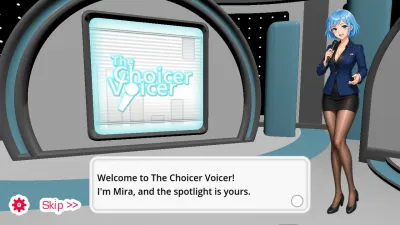
How to Play The Choicer Voicer in Your Browser
Open the free web version in a browser on a phone or computer. There is no APK or app store page. Allow the microphone, finish the tutorial, then pick a mode.
Last updated: 8/26/2026
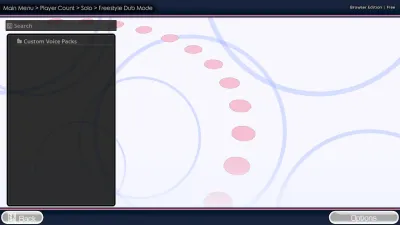
Freestyle: Repeat One Clip Until the Take Works
Loop a single prompt, record as many takes as you want, then save and replay the version you want to keep in the browser game.
Last updated: 8/24/2026
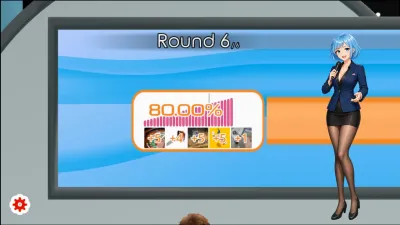
Choicer Voicer Judges and a Zero
Judges can disagree on one take. A zero still counts, pulls the session down, and you retry that line instead of restarting the whole round.
Last updated: 8/26/2026
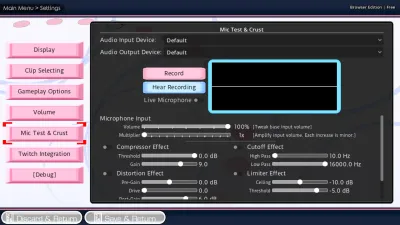
Choicer Voicer Best Mic Settings
Match distance to gain, then test and listen. Too close or max gain clips; too far needs more gain. Change input mid-session and retest after a swap.
Last updated: 8/26/2026
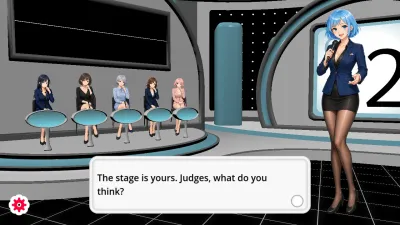
Standard Mode: Imitate a Prompt and Face the Judges
Take a spoken prompt, answer with your own voice, watch the judges react, and retry a line without restarting the browser game.
Last updated: 8/24/2026

Dub Mode: How to Dub and Save a Take
Hear a line, record your take, retry when needed, then save the dub so you can watch it again. Clip packs stay on the packs pages.
Last updated: 8/26/2026
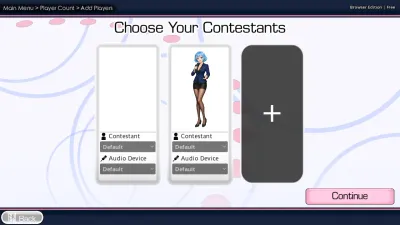
Shared Play / Multiplayer: Take Turns With Friends
Share one browser and one microphone with friends. Up to four people take turns in the same room. There is no online lobby or matchmaking.
Last updated: 8/26/2026